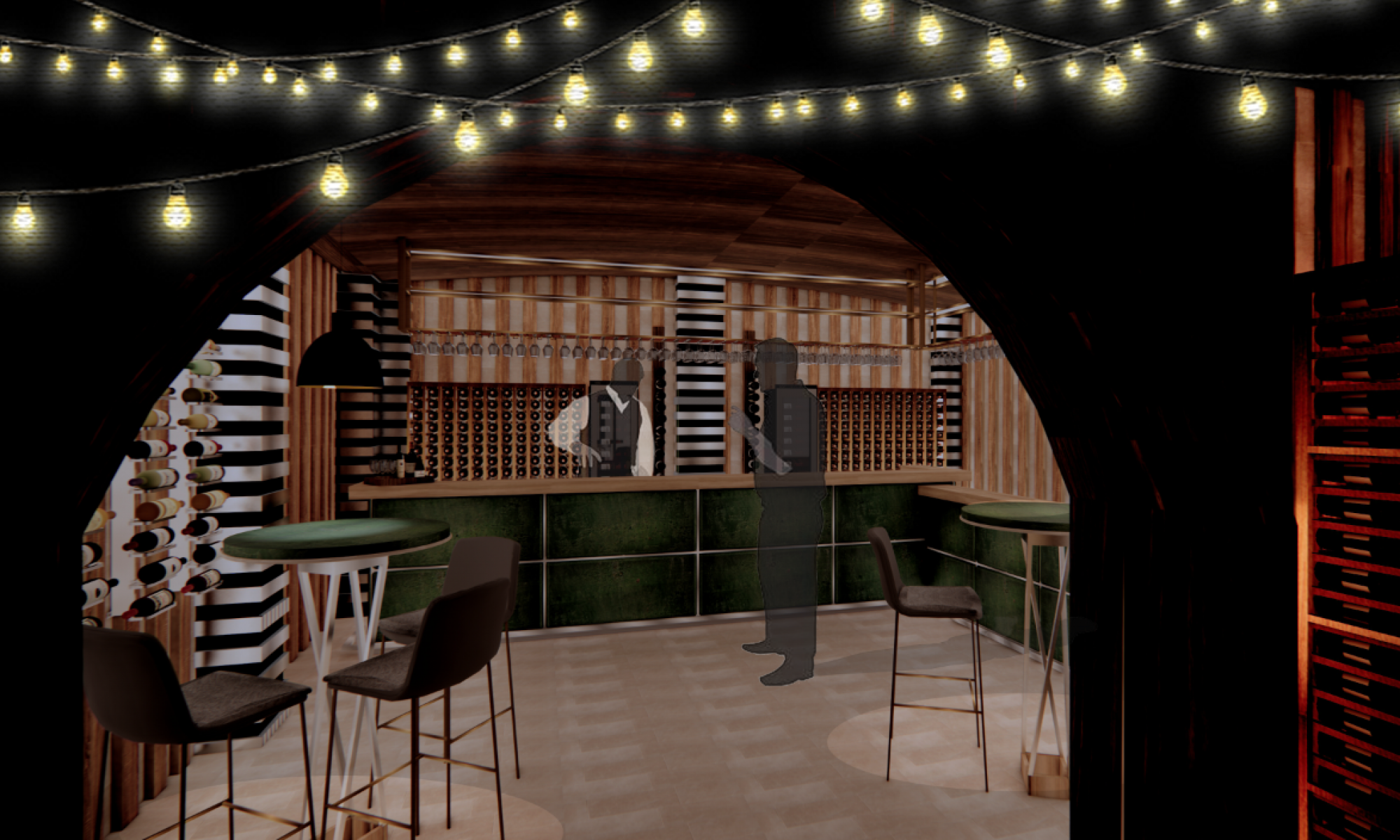
During the second week of my field project I learned how to render my sketchup model using the programme V-ray. This programme can create different spotlights of light which can allow the interior to come to life and look like a proper space. My interior required different pockets of coloured lights which will come from a rotating night light which will be within the centre of the room. At first I was confused as to how I would project the light from the centre of the room to make it look realistic and as if it was rotating.
After watching a YouTube video on V-ray alongside talking to my tutors I was able to carefully pinpoint areas where I would like the light to be projected from. In addition to personalising where the light was focused I could change the intensity of the light, how concentrated the light was and also the colour of each individual light. As my interior was centred on a child’s bedroom I wanted the colours to be as bold as possible to make it fun, interesting and engaging. One thing which I really liked when using v-ray was that the lights produced shadows around the room from the trees which were located at the front of the space.
This helped produce a very sophisticated and realistic interior. One thing I found difficult was trying to obtain the right angle to take the final render, this was hard to do as I needed to ensure that I included all of the essential parts of the interior within the one render and not forget certain parts of the room. In order to improve I would learn how to take a perfect, sophisticated and detailed final render of my interior to present in my final reviews and to be used in my portfolios.

 Charlotte's blog